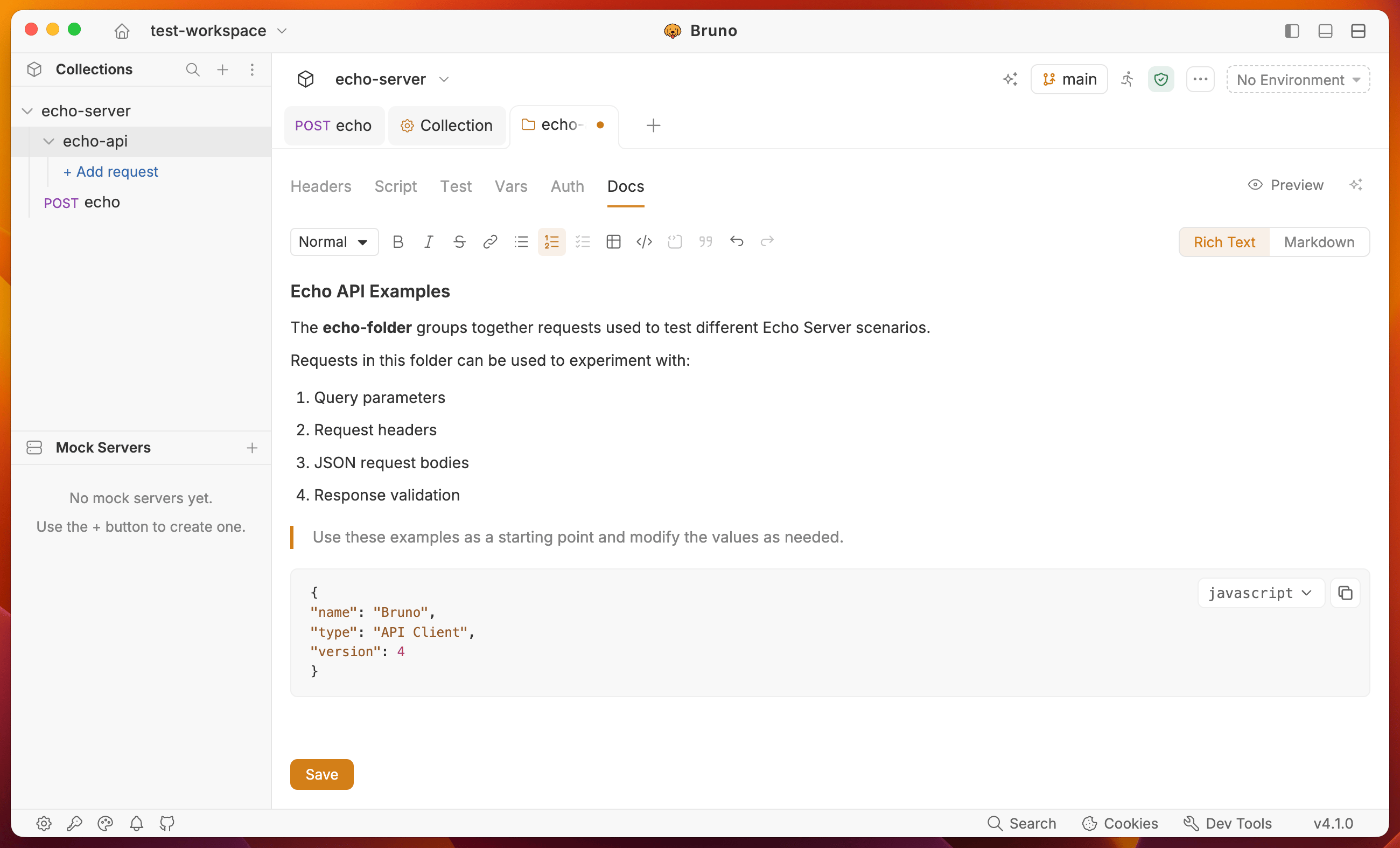
Create Folder Docs
- Navigate to the folder level settings by clicking on the folder name in the sidebar.
- Go to the Docs tab and click the Edit button to write your documentation.
- Click the Save button to view the formatted output.
You can use the rich text editor (default) or markdown editor to write your documentation.